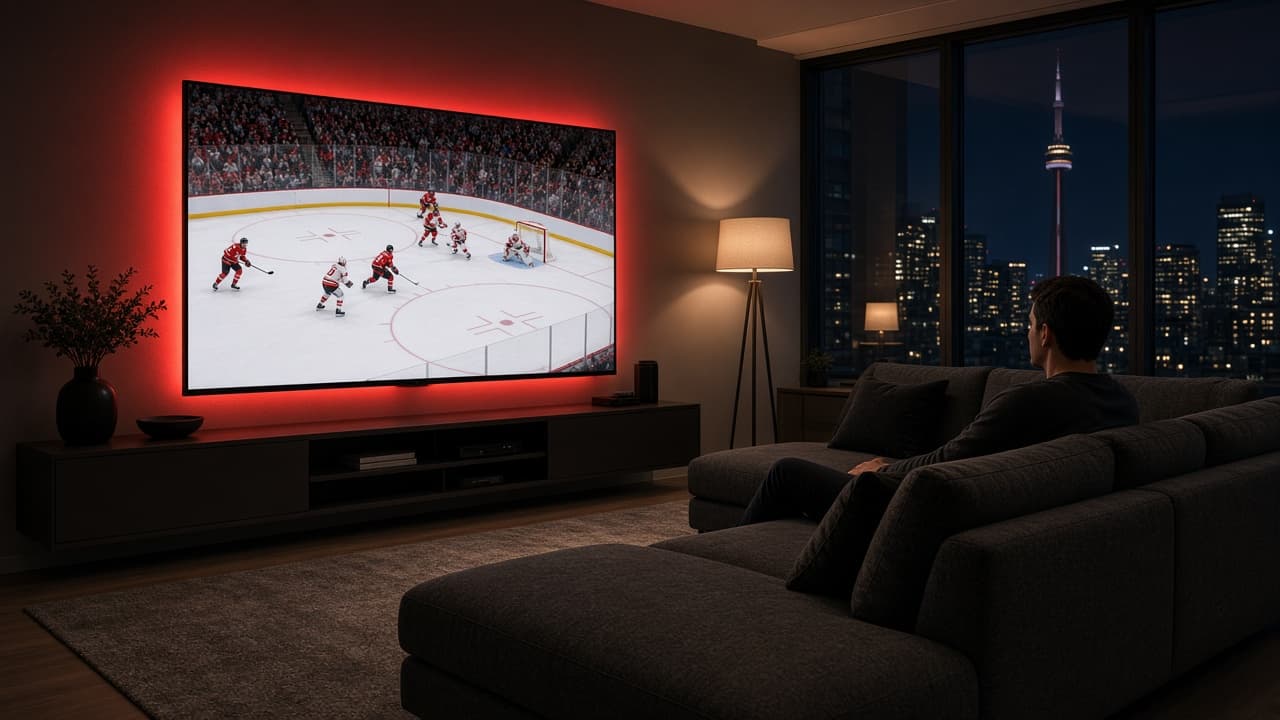
Internet
How much internet speed you need for IPTV in Ontario
Most “IPTV is buffering” tickets are an internet problem, not a mysterious server. Ontario fibre and cable plans are fast on paper. The number that matters is stable speed to the TV at 7 p.m., not the speed-test screenshot you ran next to the router at noon.
Updated 2026-09-12 · Ontario IPTV
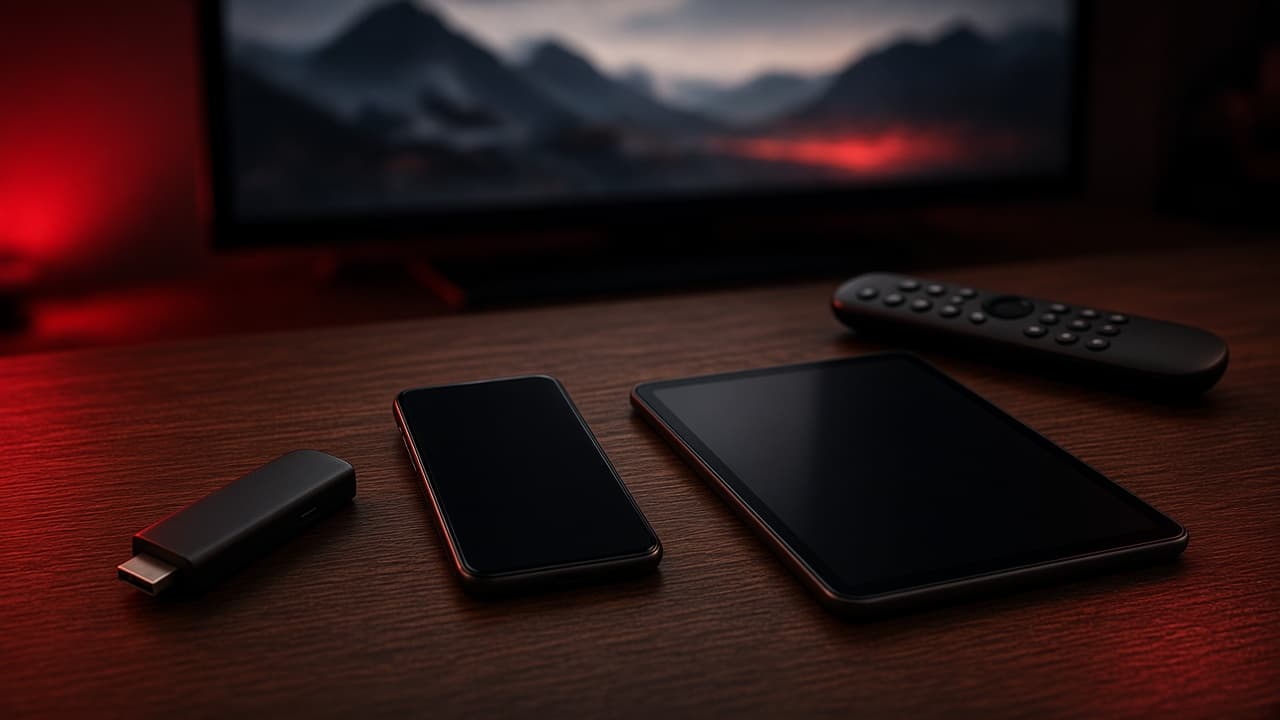
Use these bitrate floors, then add headroom
Video is a moving target: sports with ice, crowds and score bugs need more bits than a talk show. Treat the numbers below as floors, not a promise that 4K will look perfect on a weak Wi-Fi hop.
- 720p live: about 5–8 Mbps of clean throughput to the device.
- 1080p HD: about 10–15 Mbps. Aim for 25 Mbps if the feed is busy sports.
- 4K / Ultra HD: about 25–40 Mbps to that one screen. 50 Mbps is a safer target in the GTA evening peak.
- Add ~15 Mbps for each extra TV or tablet watching at the same time.
- Leave room for phones, Zoom, and cloud backups. A 100 Mbps plan can still starve a 4K stick if the laptop is uploading.
Test at the TV, not at the modem
Run a speed test on the same device that will play video, at the hour you actually watch. A Fire Stick or Smart TV sitting 12 metres from a router through two plaster walls often sees half the speed of a laptop on the kitchen island.
If wired Ethernet is an option, use it. A cheap USB-C or USB-A adapter on a Fire Stick removes the flakiest part of most Ontario living rooms: 2.4 GHz Wi-Fi shared with neighbours’ networks.
Bell, Rogers and Cogeco in plain language
Fibre-to-the-home (Bell Fibe in many cities, some Rogers/Cogeco fibre) usually has the headroom for two HD rooms. Cable DOCSIS in older buildings can look fast at 2 p.m. and sag when the whole riser streams after dinner. That is congestion, not a broken TV.
If your plan is advertised as 100 Mbps or more and a wired test at the TV is still under 20 Mbps at peak, call the ISP first. No live-TV product can invent capacity your last mile does not have.
What we ask IPTV Ontario customers
Tell us how many screens will be on at once and whether the main TV is wired. We would rather you pick HD on a busy Wi-Fi hop than force 4K and hate the picture. Plans start at $11 — see pricing — and extra connections are for simultaneous screens, not “just in case” tabs you never use.